 Call Us : 07971459267Call Us : 07971459267

 Send Inquiry
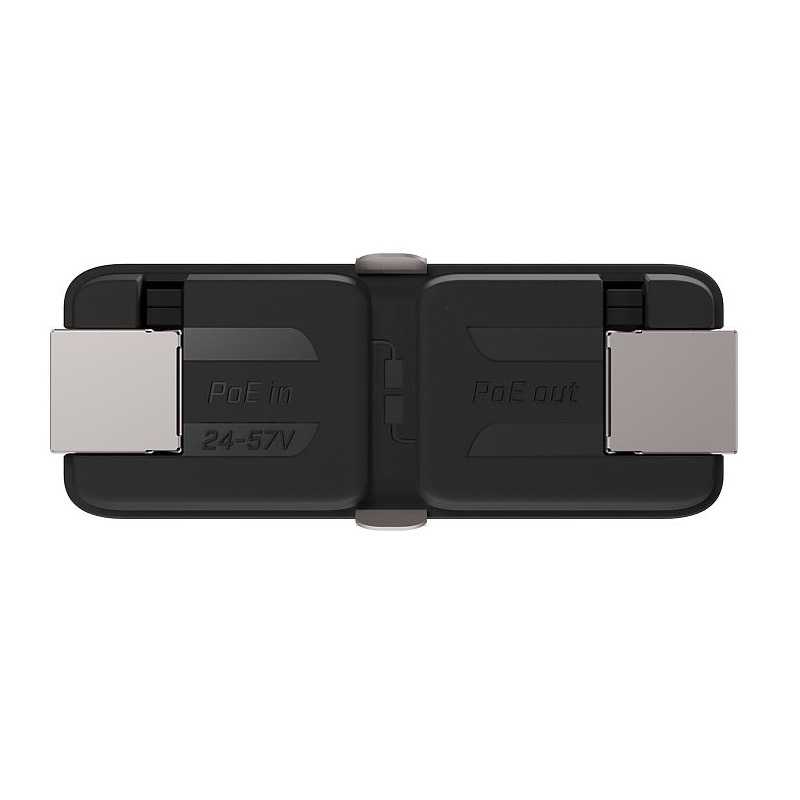
MIKROTIK Gigabit Passive Ethernet Repeater (GPeR)
Price 100.0 INR/ Unit
MOQ : 1 Unit
MIKROTIK Gigabit Passive Ethernet Repeater (GPeR) Specification
- Device Type
- Repeater
- Port
- 2 x 10/100/1000 Mbps Ethernet ports
- IP Routing
- No
- Features
- Good Quality
- Power Consumption
- Up to 2.4 W Watt (W)
- Network Device
- Gigabit Passive Ethernet Repeater
- Interface Type
- RJ45 Ethernet
- Operating Temperature
- -40°C to +70°C Celsius (oC)
- Dimension (L*W*H)
- 88 mm x 17 mm x 17 mm Millimeter (mm)
- Remote Control
- Yes
- Weight
- 28 g Grams (g)
- Usage & Applications
- Extending Ethernet cable reach in large buildings, stadiums, and residential areas
- Number Of Ports/Pins
- 2 ports
- Connectivity Type
- Wired
- Cable Length
- Up to 100 m per segment; can extend to 1500 m using multiple GPeR units Meter (m)
- Mounting
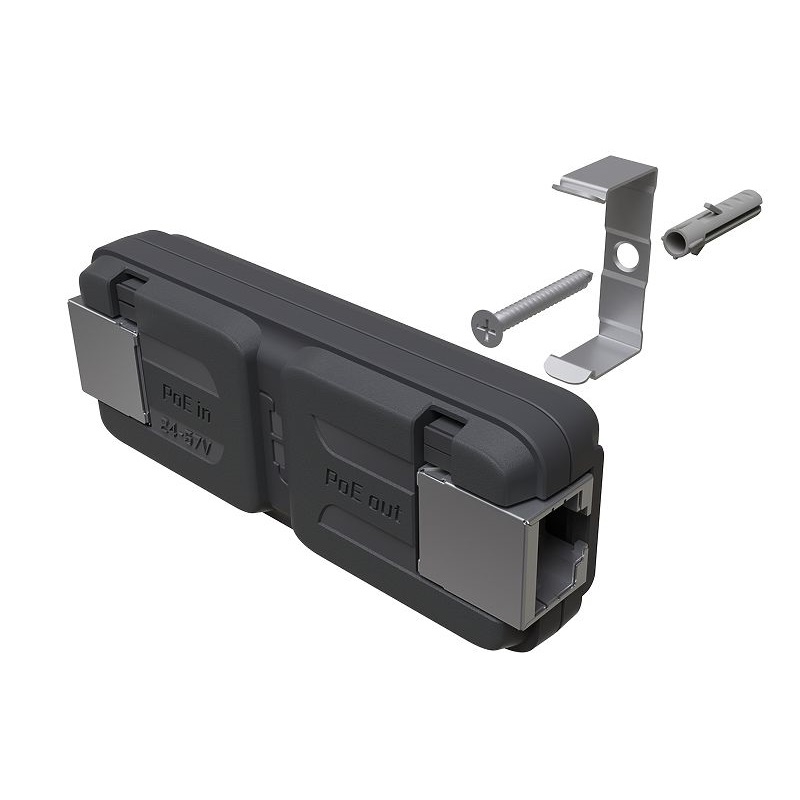
- Wall-mount or inline
- LED Indicator
- Link, Activity
- PoE Support
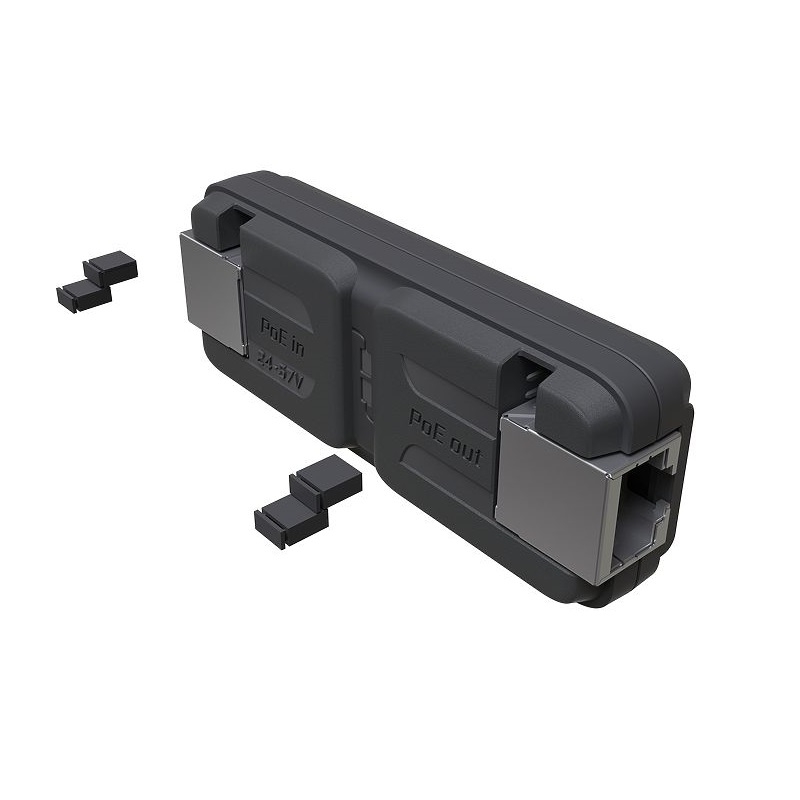
- Supports both Passive and 802.3af/802.3at PoE pass-through
- Material
- ABS plastic housing
- Compatibility
- Compatible with most Ethernet devices
- Firmware
- None (passive device)
- Compliance
- RoHS
MIKROTIK Gigabit Passive Ethernet Repeater (GPeR) Trade Information
- Minimum Order Quantity
- 1 Unit
- Delivery Time
- 1 Days
About MIKROTIK Gigabit Passive Ethernet Repeater (GPeR)
The GPeR unit allows to extend Ethernet cable by additional hop (< 100 - 150 m to regular network devices, and up to 210 m to another GPeR unit) up to 1,500 m.
Handy for highrise buildings, multi-apartment buildings, with many floors and sections, where very long Ethernet cables might be a problem.
Maximum allowed length of CAT6 Ethernet cable between GPeR and power source/router is up to 100 m (depending on cable quality, high quality - up to 150 m).
Maximum allowed distance of CAT6 Ethernet cable between two GPeR devices is up to 210 m (depending on cable quality).
In case if the destination device does not support PoE-in powering, the PoE Passthrough can be disabled by manually removing all jumpers
Effortless Ethernet Extension
The GPeR allows you to overcome standard Ethernet cable length limitations by linking multiple units to achieve distances up to 1,500 meters. This makes it especially useful in large campuses, multi-floor buildings, and event venues where extended network coverage is essential.
Versatile Power over Ethernet Options
Supporting both Passive and 802.3af/802.3at PoE pass-through, the GPeR offers flexibility in powering remote devices. This ensures seamless integration with a wide range of Ethernet-powered equipment, reducing installation complexity and cost.
Reliable and Durable for Any Setting
Made from high-quality ABS plastic and built to operate in extreme temperatures from -40C to +70C, the GPeR suits both indoor and outdoor installations. Its RoHS compliance demonstrates a commitment to safety and environmental standards, while providing reliable network connectivity.
FAQs of MIKROTIK Gigabit Passive Ethernet Repeater (GPeR):
Q: How do I install the MIKROTIK GPeR to extend my Ethernet network?
A: You can install the GPeR by placing it inline or mounting it on a wall between sections of Ethernet cabling. Simply connect your Ethernet cables to the two RJ45 ports, and if needed, supply PoE power from a compatible source. No software configuration is required.Q: What is the maximum cable length supported by the GPeR and how can I extend it further?
A: Each GPeR supports up to 100 meters per segment, but chaining multiple units allows you to extend the total length up to 1,500 meters, ideal for large installations like stadiums or multi-building complexes.Q: When should I use a passive Ethernet repeater like the GPeR instead of a powered switch?
A: Choose the GPeR when you need to extend cable runs without the need for managed network features, additional power sources, or routing functions. Its passive design is perfect for simple, cost-effective link extension.Q: Where can the GPeR be mounted for optimal performance?
A: The GPeR can be mounted on a wall or used inline with existing cabling. Its compact size and robust temperature range make it suitable for installation in server rooms, utility areas, or outdoor enclosures.Q: What benefits does the GPeR offer for professional network installations?
A: The GPeR enables cost-effective expansion of Ethernet networks across large distances, while maintaining gigabit speeds and supporting advanced PoE standards. Its passive nature ensures long-term reliability with minimal maintenance.Q: Is the GPeR compatible with all Ethernet devices, including high-speed ones?
A: Yes, the GPeR features two gigabit Ethernet ports and is compatible with most network devices that use standard RJ45 connections, supporting both fast and high-speed data needs.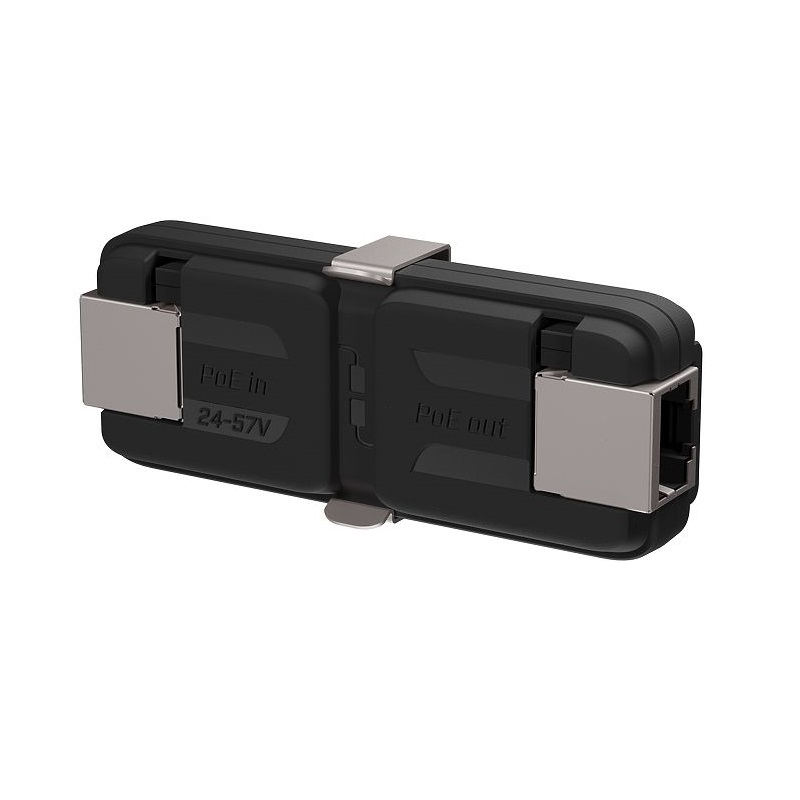
Tell us about your requirement

Price:
Quantity
Select Unit
- 50
- 100
- 200
- 250
- 500
- 1000+
Additional detail
Mobile number
Email

More Products in Networking Equipment Category
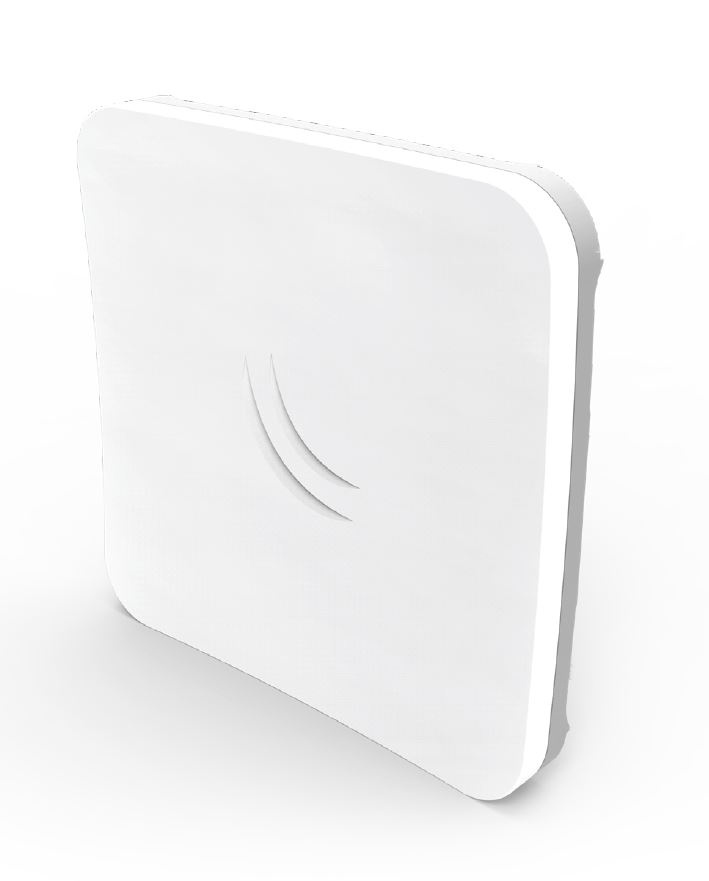
Mikrotik Outdoor Wireless Device Sx Tsq 5 Ac (rbsx Tsq G-5ac D)
Price 6160.0 INR / Unit
Minimum Order Quantity : 100 Units
Connectivity Type : Wireless or WiFi
Power Supply : Electric
Usage & Applications : Internet & Networking
IP Routing : Yes
Grandstream GWN7821P Layer 3 Managed Multi-Gigabit PoE+ Switch
Price 17604.0 INR / Unit
Minimum Order Quantity : 1000 Units
Connectivity Type : Wired
Power Supply : Electric
Usage & Applications : Internet & Networking

MIKROTIK RouterBOARD hAP ax lite (L41G-2axD)
Price 4950.0 INR / Unit
Minimum Order Quantity : 1 Unit
Connectivity Type : Wired
Power Supply : Electric
Usage & Applications : Industrial
IP Routing : No
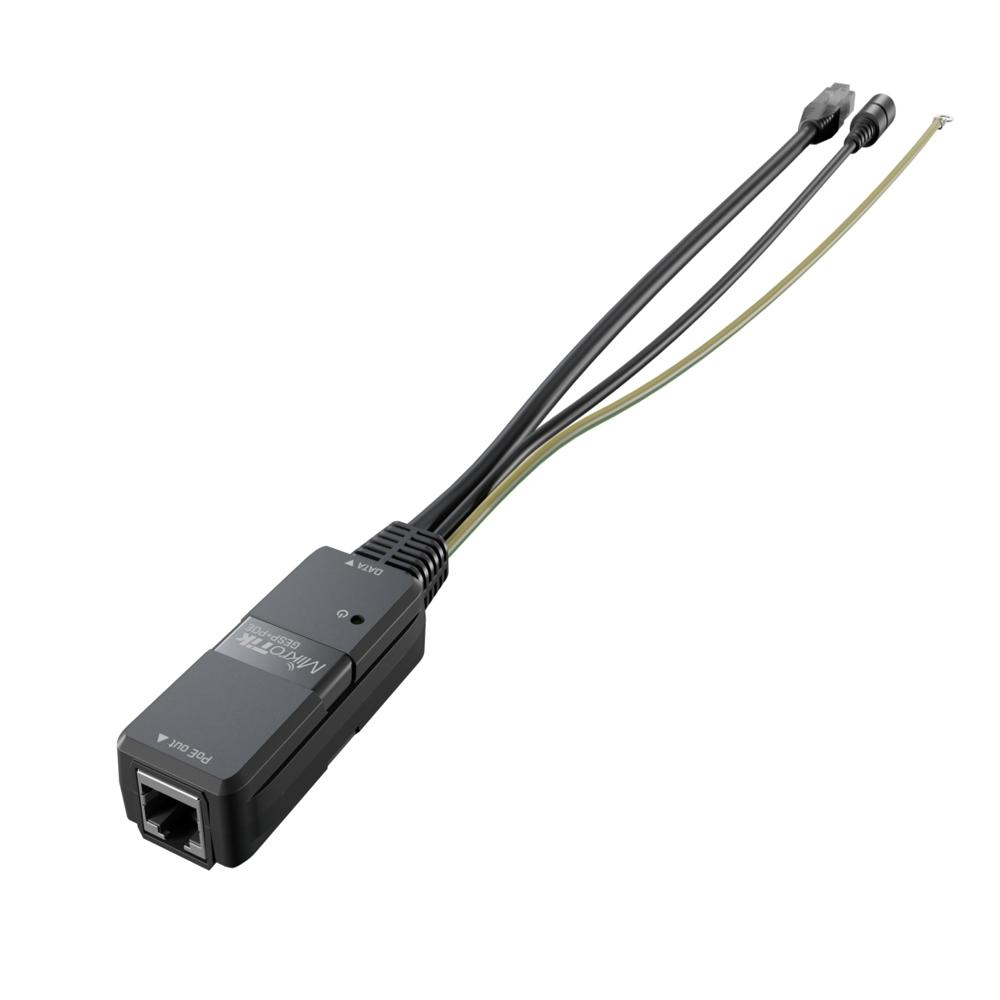
MIKROTIK Passive PoE Injector With Surge Protection (GESP+POE-IN)
Price 100.0 INR / Unit
Minimum Order Quantity : 1000 Units
Connectivity Type : Wired
Power Supply : Manual
Usage & Applications : Computer Networking
IP Routing : No

Address
GST : 33AANFA7788E1Z5
- B No. 14/20, Thamirabarani Street, Palaniappa Nagar,Chennai - 600087, Tamil Nadu, India
- Phone :07971459267
-
 Send Inquiry
- Branch Offices:
110, PRP Gardens, Peelamedu, Coimbatore 641004. TamilNadu.
408, Raja House, 4th Floor, Building No.30-31, Nehru Place, New Delhi-110019
 Send Inquiry
 Send Inquiry
 Send SMS
 |
AIRPATH WIRELESSNET SOLUTIONS
All Rights Reserved.(Terms of Use) Developed and Managed by Infocom Network Private Limited. |
