 Call Us : 07971459267Call Us : 07971459267

 Send Inquiry
Grandstream GWN7802 16-Port Gigabit Ethernet Layer 2+ Managed Network Switch
Price 11800.00 INR/ Piece
MOQ : 1 Piece
Grandstream GWN7802 16-Port Gigabit Ethernet Layer 2+ Managed Network Switch Specification
- Power Supply
- AC 100-240V, 50/60Hz Internal Power Supply
- Remote Control
- Yes
- Frequency
- 50/60 Hz (AC Power)
- Network Device
- Switch
- Device Type
- Layer 2+ Managed Switch
- Interface Type
- RJ45, SFP
- Features
- VLAN, QoS, Static Routing, IGMP Snooping, Spanning Tree Protocol, Robust Security
- Usage & Applications
- Enterprise and SMB network environments, supports surveillance, VoIP, Wi-Fi, and office connectivity
- Dimension (L*W*H)
- 440mm x 205mm x 44mm
- Power Consumption
- Maximum 13W
- IP Routing
- Layer 2+ Static Routing
- Port
- 16
- Operating Temperature
- 0C to 50C
- Weight
- 2.42 kg
- Number Of Ports/Pins
- 16 Ethernet, 2 SFP
- Connectivity Type
- Wired - Ethernet
- Cable Length
- Up to 100 meters on Ethernet port
- Forwarding Rate
- 26.8 Mpps
- Packet Buffer
- 4MB
- Fan
- Fanless, silent operation
- Switching Capacity
- 36 Gbps
- MAC Address Table
- 8K entries
- Mounting
- Rack-mountable (1U)
- Management
- Web GUI, Command Line Interface (CLI), SNMP, Grandstream Device Management System (GDMS)
- Redundancy
- Supports port aggregation and link redundancy
Grandstream GWN7802 16-Port Gigabit Ethernet Layer 2+ Managed Network Switch Trade Information
- Minimum Order Quantity
- 1 Piece
- Delivery Time
- 1 Days
Grandstream GWN7802 16-Port Gigabit Ethernet Layer 2+ Managed Network Switch About
Layer 2+ Managed Network Switches
The GWN7800 series are Layer 2+ managed network switches that allow small-to-medium enterprises to build scalable, secure, high performance, and smart business networks that are fully manageable
- 8/16/24 Gigabit Ethernet ports and 2/4 Gigabit SFP ports
- Smart power control to support dynamic PoE/PoE+ power allocation per port for the PoE models
- Supports deployment in IPv6 and IPv4 networks
- Provides quaternary binding of IP, MAC, VLAN & port; ARP Inspection, IP Source Guard, DoS protection, port security & DHCP snooping
- Embedded controller to manage switch; GDMS Networking and GWN Manager, Grandstreams cloud and on-premise Wi-Fi management platform, and GWN Series Router
- Built-in QoS allows for prioritization of network traffi
Advanced Switch for Professional Networks
The GWN7802 delivers high-performance networking for businesses, combining 16 Gigabit ports, advanced Layer 2+ features, and fanless operation for silent and reliable service. Benefit from enhanced security, VLAN support, and high switching capacity, ensuring your enterprise or SMB network remains resilient and efficient even during heavy traffic.
Flexible Management and Easy Deployment
Configure and monitor your network effortlessly using a user-friendly web GUI, CLI access, SNMP integration, or Grandstream's Device Management System (GDMS). This switch supports remote and centralized management, making it perfect for IT administrators handling multiple devices or distributed environments.
Reliable Connectivity and Expanded Applications
Designed for various commercial applications, the GWN7802 supports up to 18 devices through its Ethernet and SFP ports. Its static routing, QoS, and link redundancy features ensure optimal performance for surveillance cameras, VoIP phones, wireless access points, and office systems, enabling scalable and reliable connectivity.
FAQ's of Grandstream GWN7802 16-Port Gigabit Ethernet Layer 2+ Managed Network Switch:
Q: How do I manage and configure the Grandstream GWN7802 switch?
A: You can manage the GWN7802 switch via its intuitive Web GUI, command line interface (CLI), or remotely through SNMP and the Grandstream Device Management System (GDMS), enabling flexible configuration and monitoring options for various IT environments.Q: What benefits does the fanless design of the GWN7802 provide?
A: The fanless design ensures completely silent operation, making the switch suitable for noise-sensitive areas like offices or conference rooms, while reducing maintenance needs and energy consumption.Q: When should I consider using static routing and VLAN features?
A: Static routing and VLANs are ideal for businesses needing secure, segmented network traffic and optimized performance, such as separating departments, isolating surveillance systems, or prioritizing VoIP traffic within an enterprise network.Q: Where can the GWN7802 be installed in my organization?
A: With its standard 1U rack-mountable design, the GWN7802 can be easily installed in server rooms, network racks, or IT closets, fitting seamlessly into existing networking infrastructure.Q: What is the process for adding redundancy with this switch?
A: You can enable port aggregation and link redundancy through the switch configuration, either via the Web GUI or CLI. These features help maintain network availability and bandwidth even if one connection fails.Q: How does the GWN7802 support various connectivity needs?
A: Equipped with 16 Gigabit Ethernet ports and 2 SFP uplink slots, the switch supports a wide range of devices such as IP cameras, phones, Wi-Fi access points, and office computers, while its maximum cable length of up to 100 meters allows flexible equipment placement.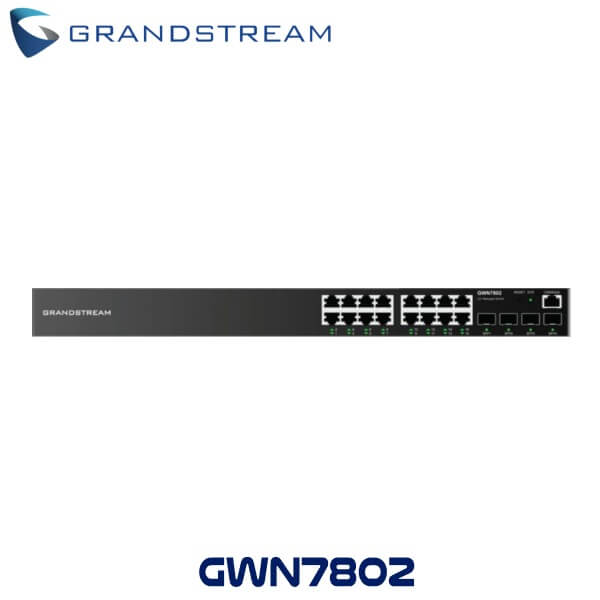
Tell us about your requirement

Price:
Quantity
Select Unit
- 50
- 100
- 200
- 250
- 500
- 1000+
Additional detail
Mobile number
Email

More Products in Network Switch Category
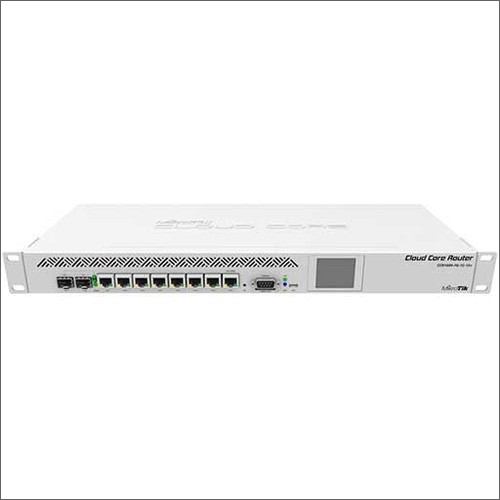
MikroTik CCR1009-7G-1C-1S Cloud Core Router
Price 38000.00 INR / Piece
Minimum Order Quantity : 1 Piece
Network Device : Other
Remote Control : Yes
Power Supply : AC
Port : 7x Gigabit Ethernet, 1x Combo port (Gigabit Ethernet or SFP), 1x SFP port
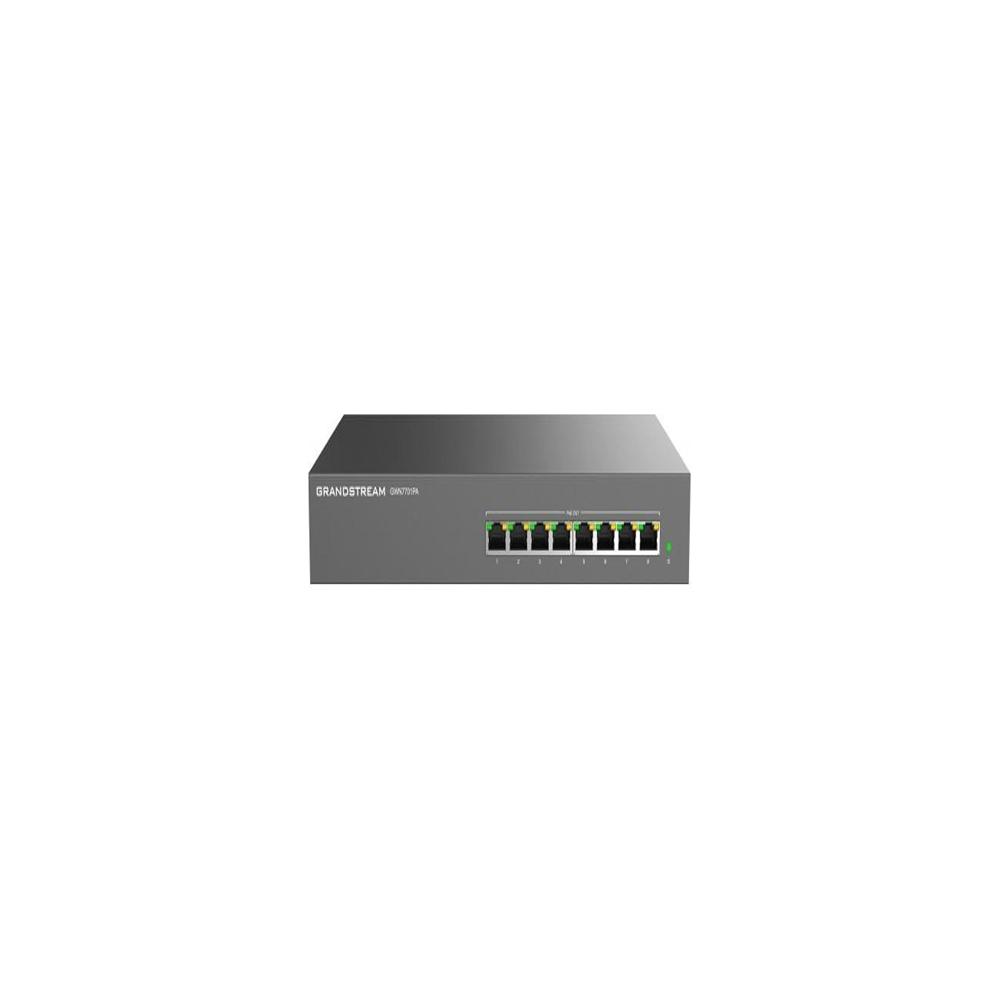
Grandstream GWN7701PA 8-Port Gigabit Ethernet Unmanaged PoE Switch
Price 6050.0 INR / Piece
Minimum Order Quantity : 1 Piece
Network Device : Switch
Remote Control : Yes
Power Supply : Other, External power adapter (Included)
Port : 8
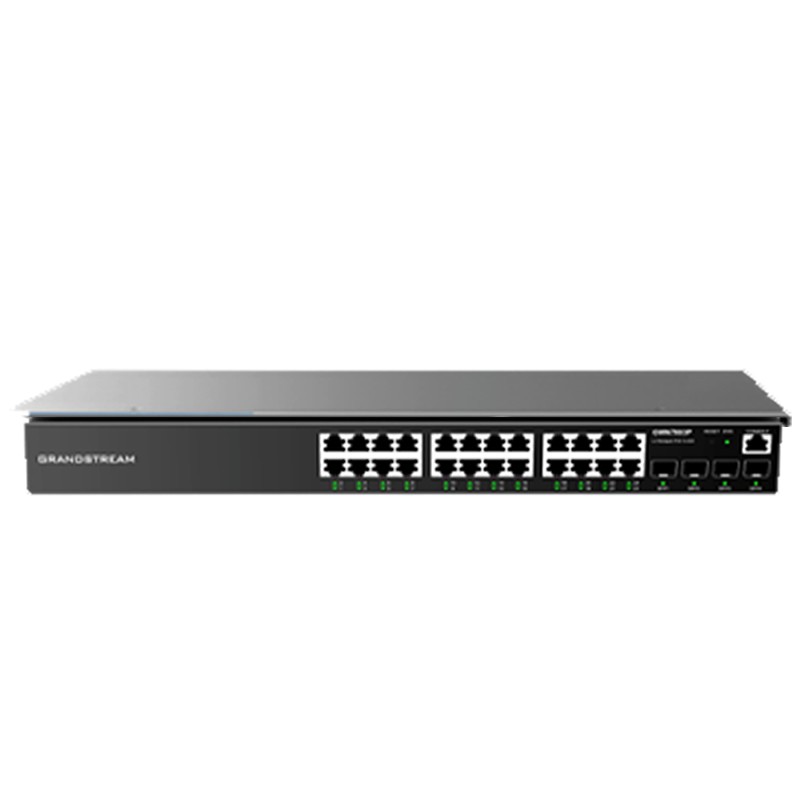
Grandstream GWN7803P 24-Port Gigabit Ethernet Layer 2+ Managed PoE Switch
Price 22390.00 INR / Piece
Minimum Order Quantity : 1 Piece
Network Device : Switch
Remote Control : Yes
Power Supply : Other, 100240V AC, 50/60Hz, Internal Power Supply
Port : 24

MikroTik Disc Lite5 Wireless Routers
Price 8280.00 INR / Piece
Minimum Order Quantity : 1 Piece
Network Device : Other, Wireless Routers
Remote Control : Yes
Power Supply : AC

Address
GST : 33AANFA7788E1Z5
- B No. 14/20, Thamirabarani Street, Palaniappa Nagar,Chennai - 600087, Tamil Nadu, India
- Phone :07971459267
-
 Send Inquiry
- Branch Offices:
110, PRP Gardens, Peelamedu, Coimbatore 641004. TamilNadu.
408, Raja House, 4th Floor, Building No.30-31, Nehru Place, New Delhi-110019
 Send Inquiry
 Send Inquiry
 Send SMS
 |
AIRPATH WIRELESSNET SOLUTIONS
All Rights Reserved.(Terms of Use) Developed and Managed by Infocom Network Private Limited. |
